
Account & Region Selection
Connecting Your Roblox Account
Connecting your account unlocks region selection, recent games on the Quickplay page, and authenticated API features. Head to the Account page.
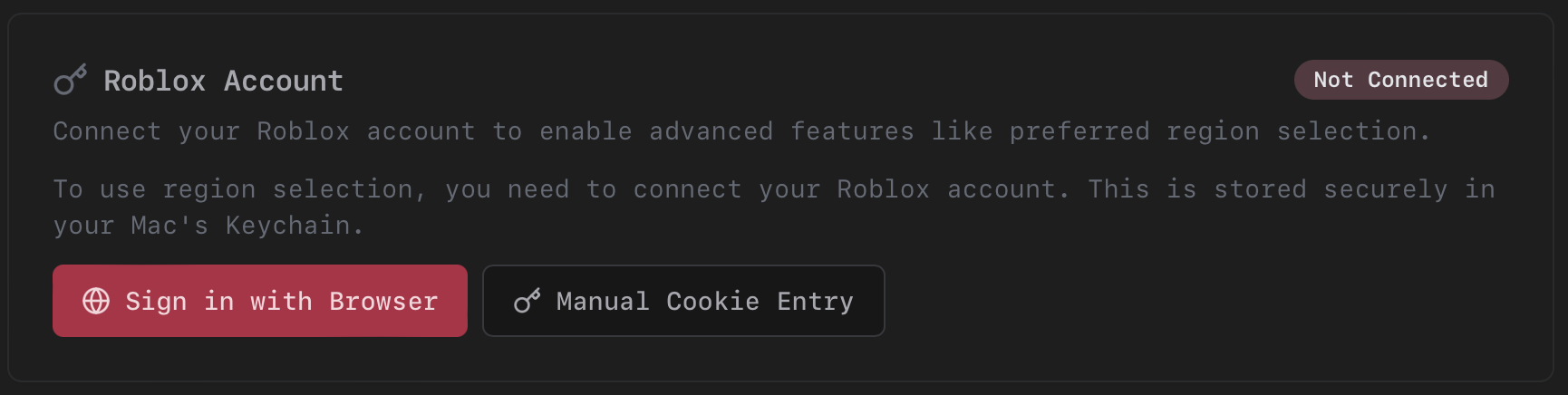
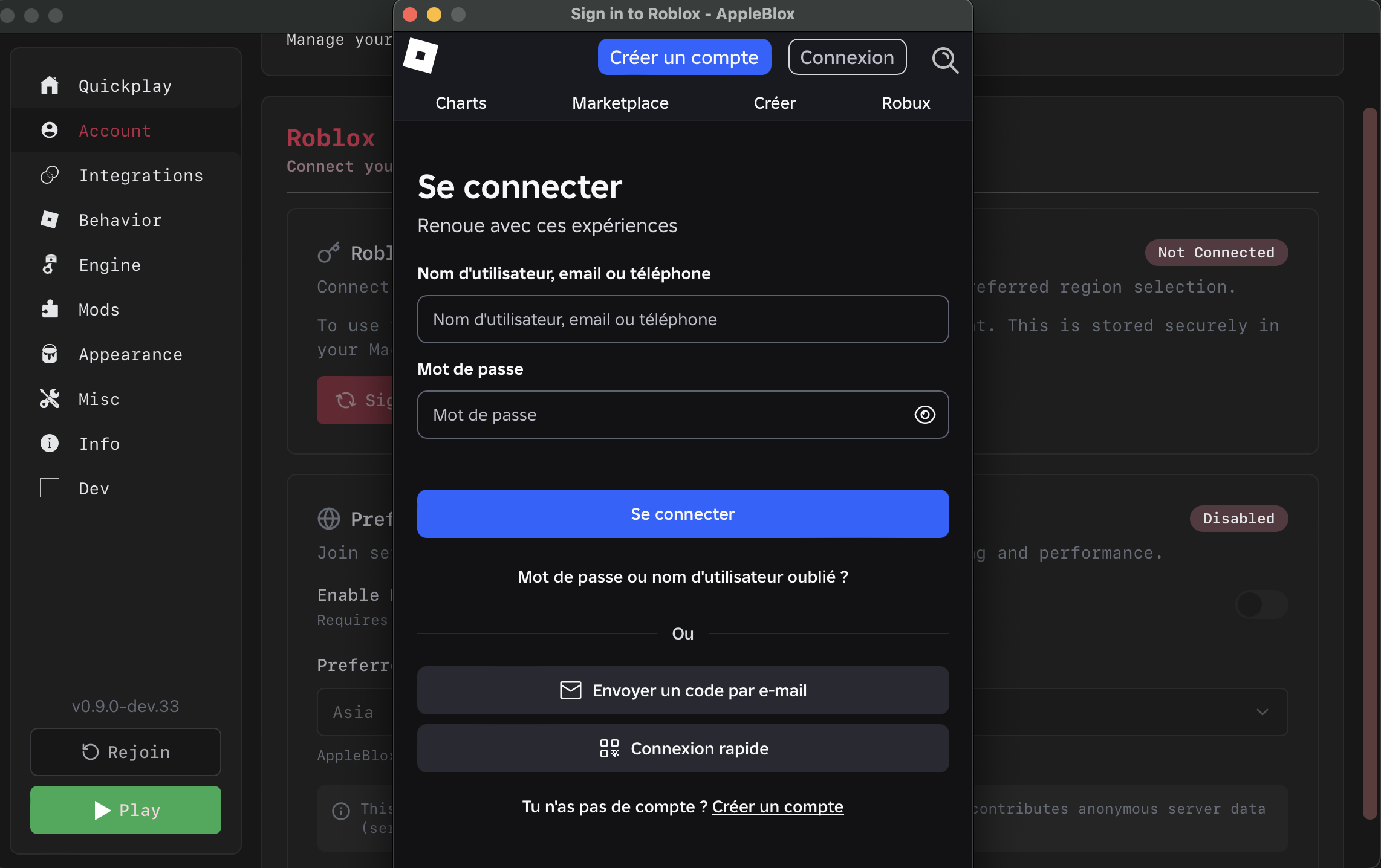
Sign in with Browser (Recommended)
Click Sign in with Browser. A native login window opens showing the Roblox website. Log in as you normally would. The cookie is automatically extracted and stored in your macOS Keychain when you complete the login. The window closes on its own.
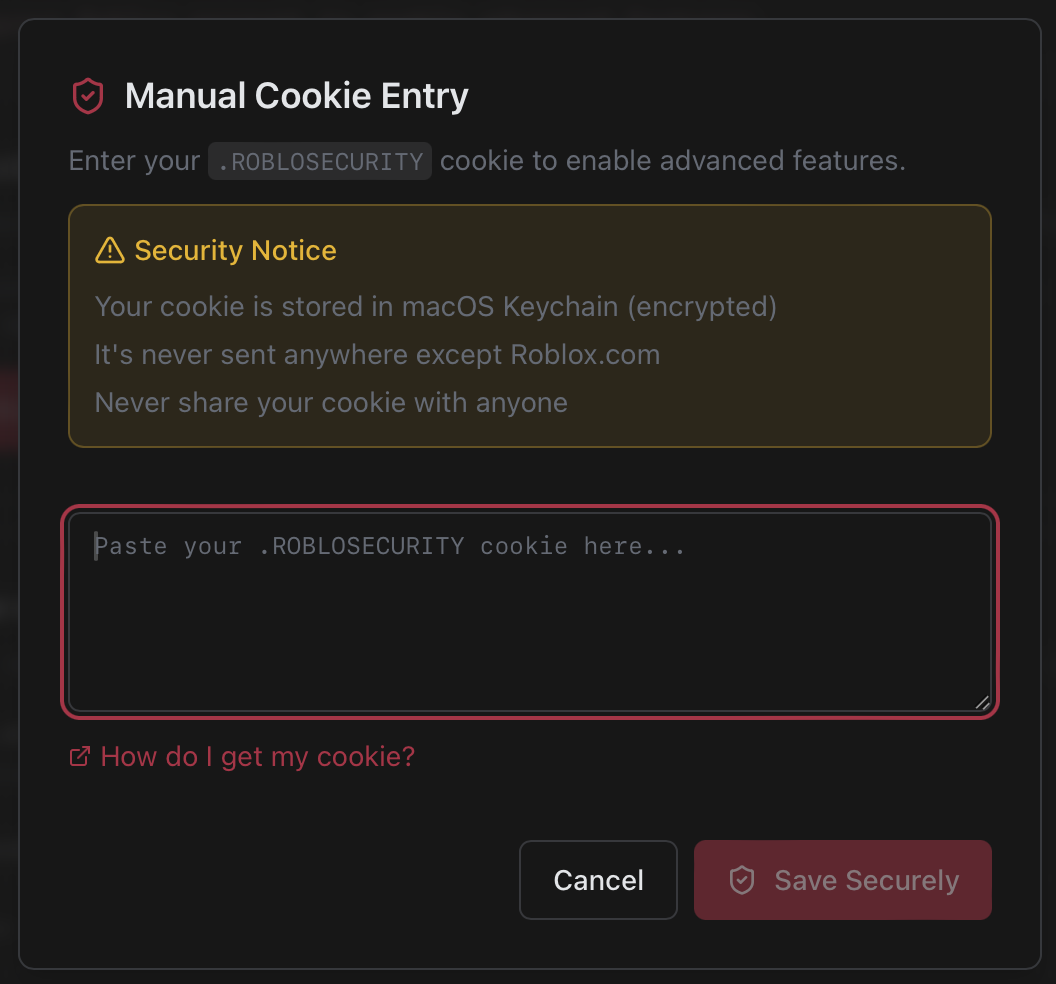
Manual Cookie Entry
If the browser method doesn't work, click Manual Cookie Entry, paste your .ROBLOSECURITY cookie, and it will be validated against the Roblox API before being saved.
Connected State
Once connected, the Account page shows your avatar, display name, and username. You can refresh validation or remove your account at any time.

If your cookie expires, the Account page shows an "Expired" badge. Just sign in again.
Security
- Your cookie is stored in the macOS Keychain (encrypted, local to your device).
- It is only ever sent to
roblox.comdomains. - No admin account is required. Any Roblox account works.
- The browser login uses a non-persistent session, so no data lingers after closing.
- Cookies are automatically redacted from log files.
Region Selection
Region selection lets you pick which geographic region to join game servers in, useful for lower ping or playing with friends in a specific area.
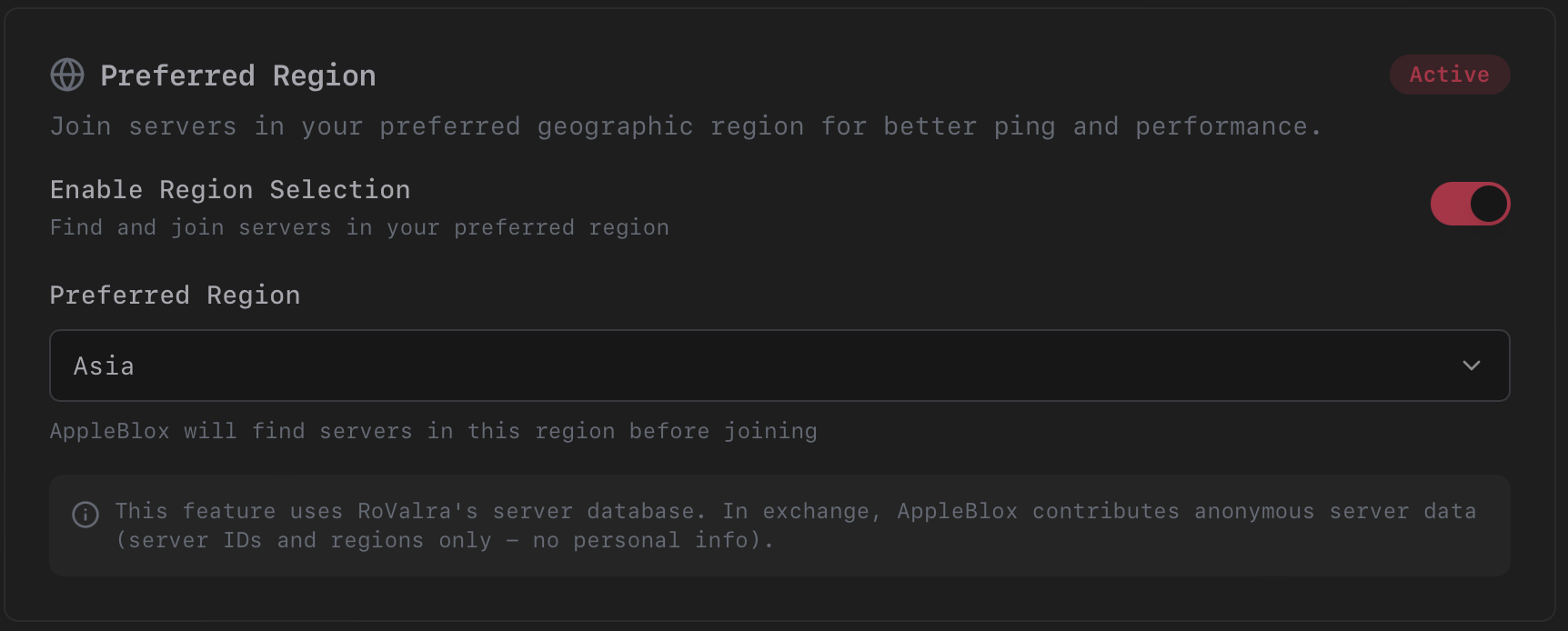
Setup
- Connect your Roblox account.
- Go to Account and enable Region Selection.
- Accept the data contribution agreement (anonymous server data shared with the RoValra database to improve region accuracy for everyone).
- Pick your preferred region from the dropdown (US East, US West, EU Central, Asia, etc.) or leave it on Auto.
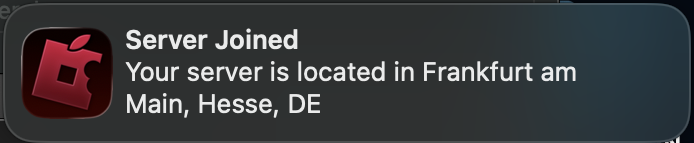
When you join a game, AppleBlox automatically finds a server in your preferred region. If it can't find one, it falls back to Roblox's default server assignment. A notification tells you which region you connected to.
TIP
Not all games have servers in every region. Server availability depends on the game's popularity and Roblox's infrastructure.