
Launching Roblox
When you click Play (or join a game from the Quickplay page), AppleBlox runs through a launch sequence:
- Checks for Roblox updates (if background updates aren't handling this).
- Applies your FastFlags to
ClientAppSettings.json. - Applies enabled mods to the Roblox files.
- Applies region selection (if configured).
- Launches Roblox.
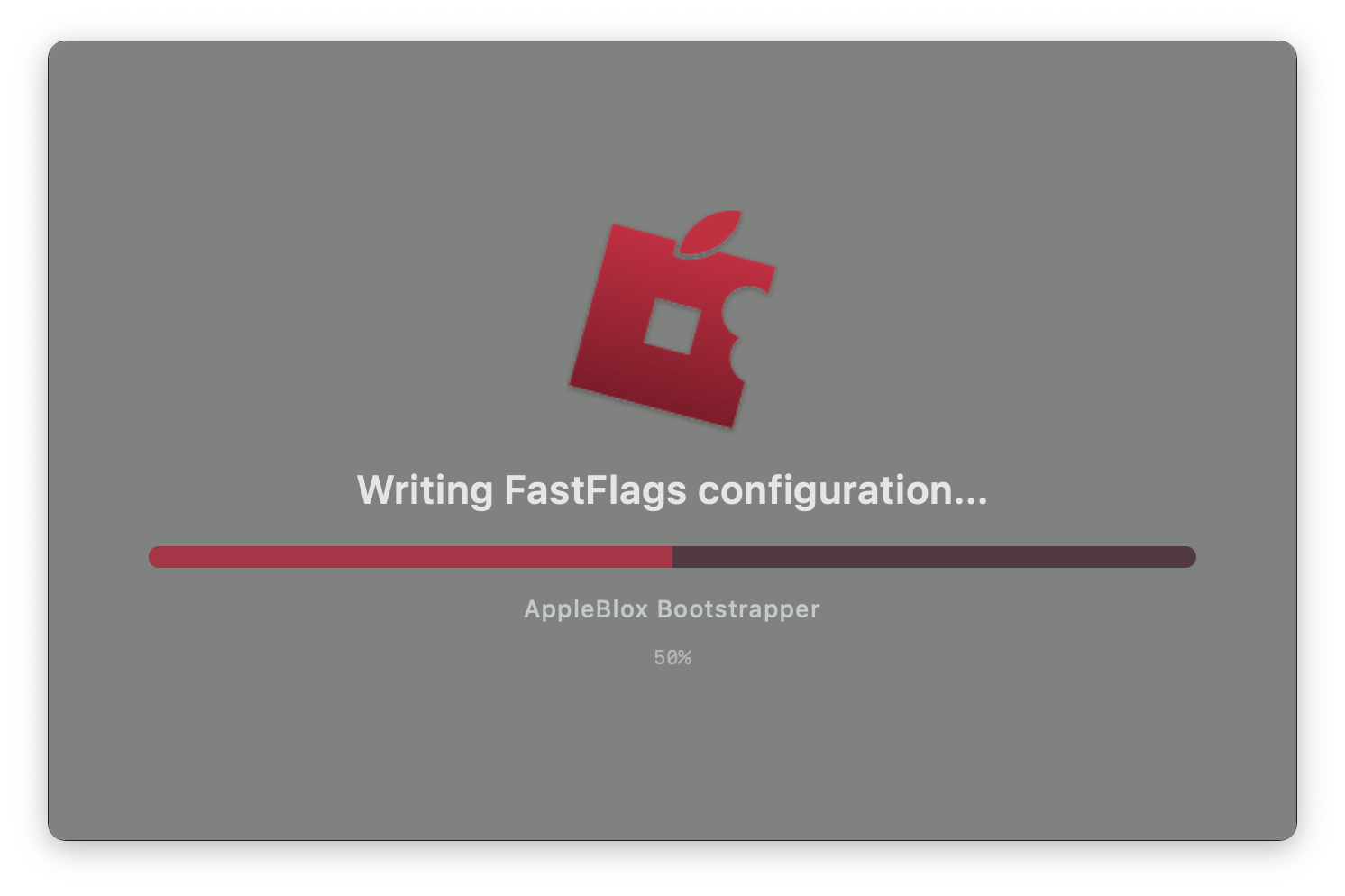
A loading screen shows progress for each step.
Delegate Launching
Found under Behavior > Delegate launching to AppleBlox.
When enabled, AppleBlox registers itself as the handler for roblox:// and roblox-player:// URLs. This means clicking "Play" on the Roblox website or any external link will route through AppleBlox instead of launching Roblox directly.
This ensures all your features (mods, FastFlags, Discord RPC, region selection) are applied every time, not just when you launch from the app.
Important
You must enable delegate launching to join games, private server links, or any Roblox URL through AppleBlox. Without it, clicking links on the Roblox website will open Roblox directly and bypass AppleBlox entirely.
TIP
If another app (like Roblox itself) re-registered as the URL handler, toggling the setting off and on again will re-register AppleBlox.
Create Launch Shortcut
Found under Behavior > Create Launch Shortcut.
Creates a .app shortcut on your Desktop that launches Roblox through AppleBlox. Clicking it applies all your settings — mods, FastFlags, Discord RPC, and region selection — the same as launching from within AppleBlox.
Useful if you prefer launching from the Desktop or Dock without keeping AppleBlox open.
Background Updates
Found under Behavior > Background updates.
When enabled, AppleBlox installs a background service (macOS LaunchAgent) that checks for Roblox updates every 10 minutes, even when AppleBlox isn't running. If an update is found, it downloads and installs it automatically, waiting for Roblox to close first if it's running.
You'll receive a macOS notification when an update completes.
Desktop App Behavior
Several options under Behavior control what happens around Roblox sessions:
- Disable Desktop app - Automatically closes Roblox when you leave a game (return to the Roblox home screen). Prevents Roblox from idling in the background.
- Exit AppleBlox when Roblox is closed - Quits AppleBlox after Roblox exits.
- Return to website - Opens roblox.com when Roblox closes.