
Getting Started
AppleBlox is a macOS-exclusive Roblox launcher that enhances your experience with features like Discord Rich Presence, server region selection, mod support, multi-instance launching, and more.
System Requirements
Requires macOS 10.13 (High Sierra) or later. Available for Apple Silicon (arm64) and Intel (x64) architectures. Universal 2 Binaries also available. If you're using a version older than macOS 11, you can access AppleBlox through your web browser using the dedicated button to avoid a critical bug affecting the desktop app.
Installation
- Download the latest
.dmgfor your Mac from the GitHub releases page.- Apple Silicon (M1/M2/M3/M4) -
arm64 - Intel -
x64 - Universal - works on both, larger file size
- Apple Silicon (M1/M2/M3/M4) -
- Open the DMG and drag AppleBlox into your Applications folder.
- Launch AppleBlox. On first launch, macOS may block the app. See I can't open the app in the FAQ for solutions.
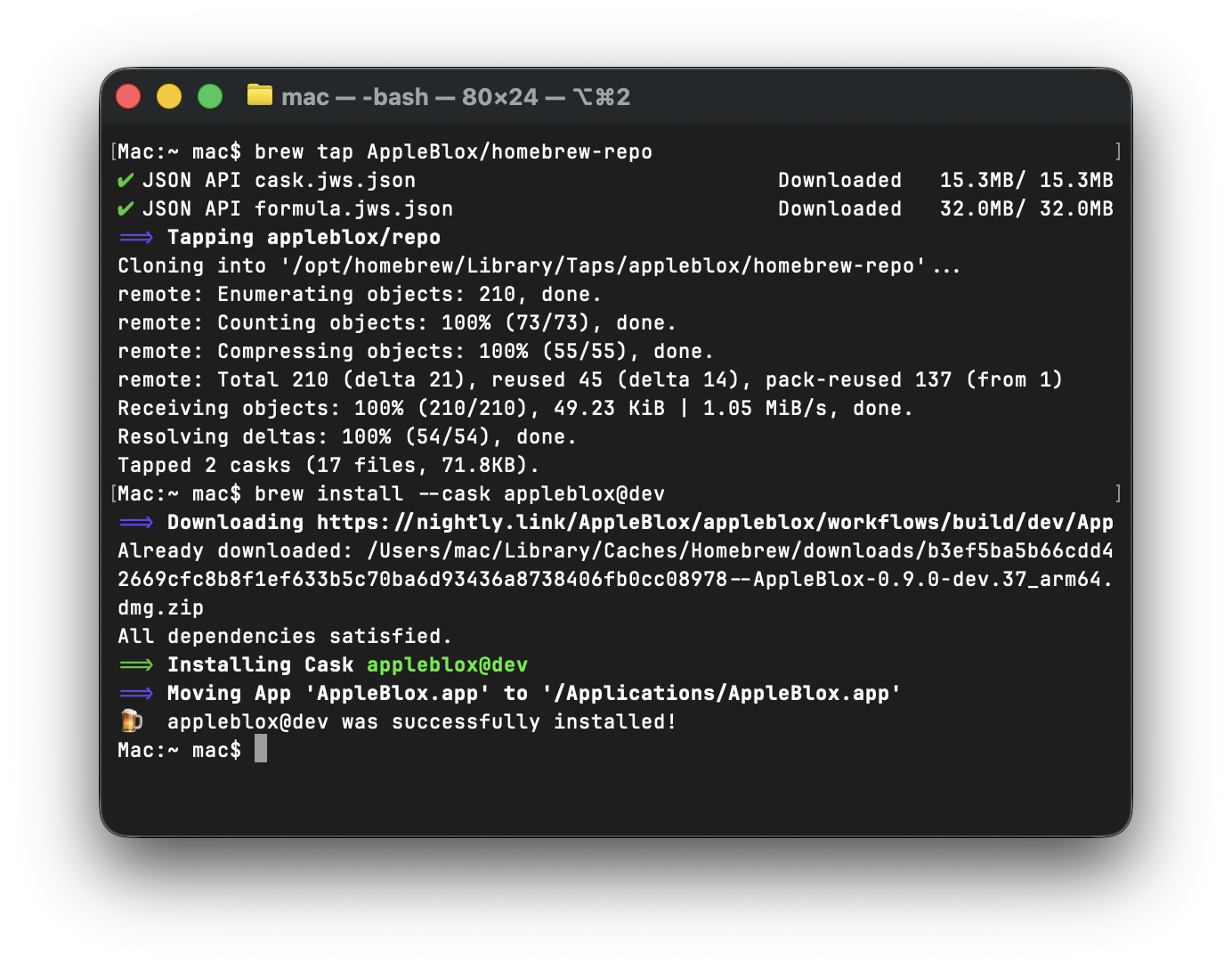
If you prefer, you can use Homebrew to install and manage AppleBlox:
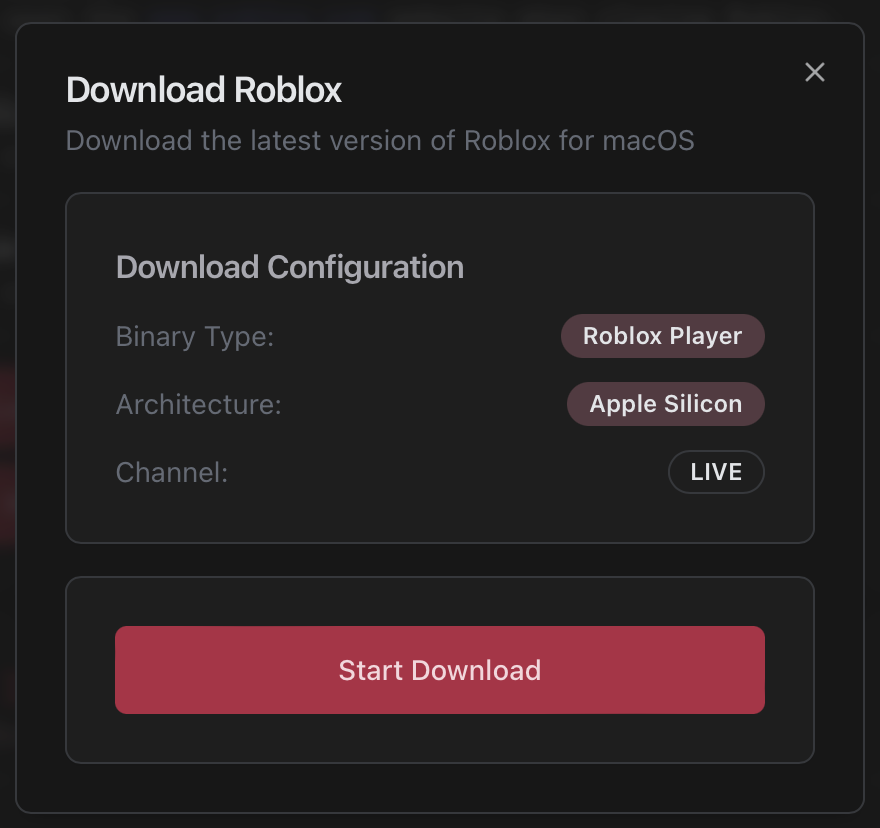
If Roblox isn't installed yet, AppleBlox can download and install it for you. Click the Install button at the bottom of the sidebar when prompted.
Onboarding
On first launch, a guided setup walks you through the essentials:
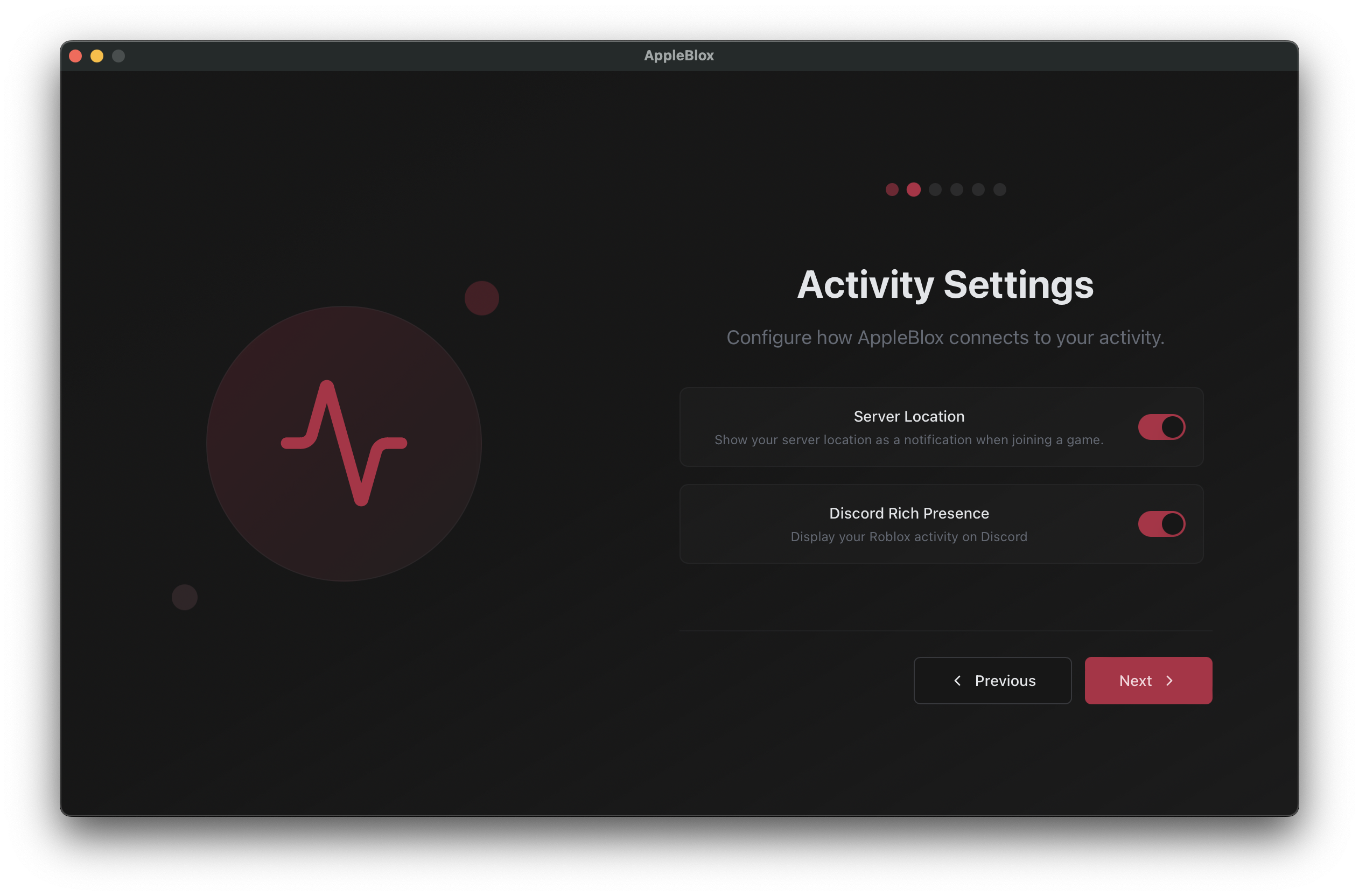
- Activity Settings - Toggle server location notifications and Discord Rich Presence.
- Roblox Account - Optionally connect your account (unlocks recent games and region selection).
- Behavior Settings - Configure delegate launching, background updates, and closing behavior.
- Join the Community - Link to the official Discord server.
- FastFlags Notice - Important info about Roblox's flag whitelist.
You can skip steps and change any of these settings later. After onboarding, you'll land on the Quickplay page.
The Sidebar
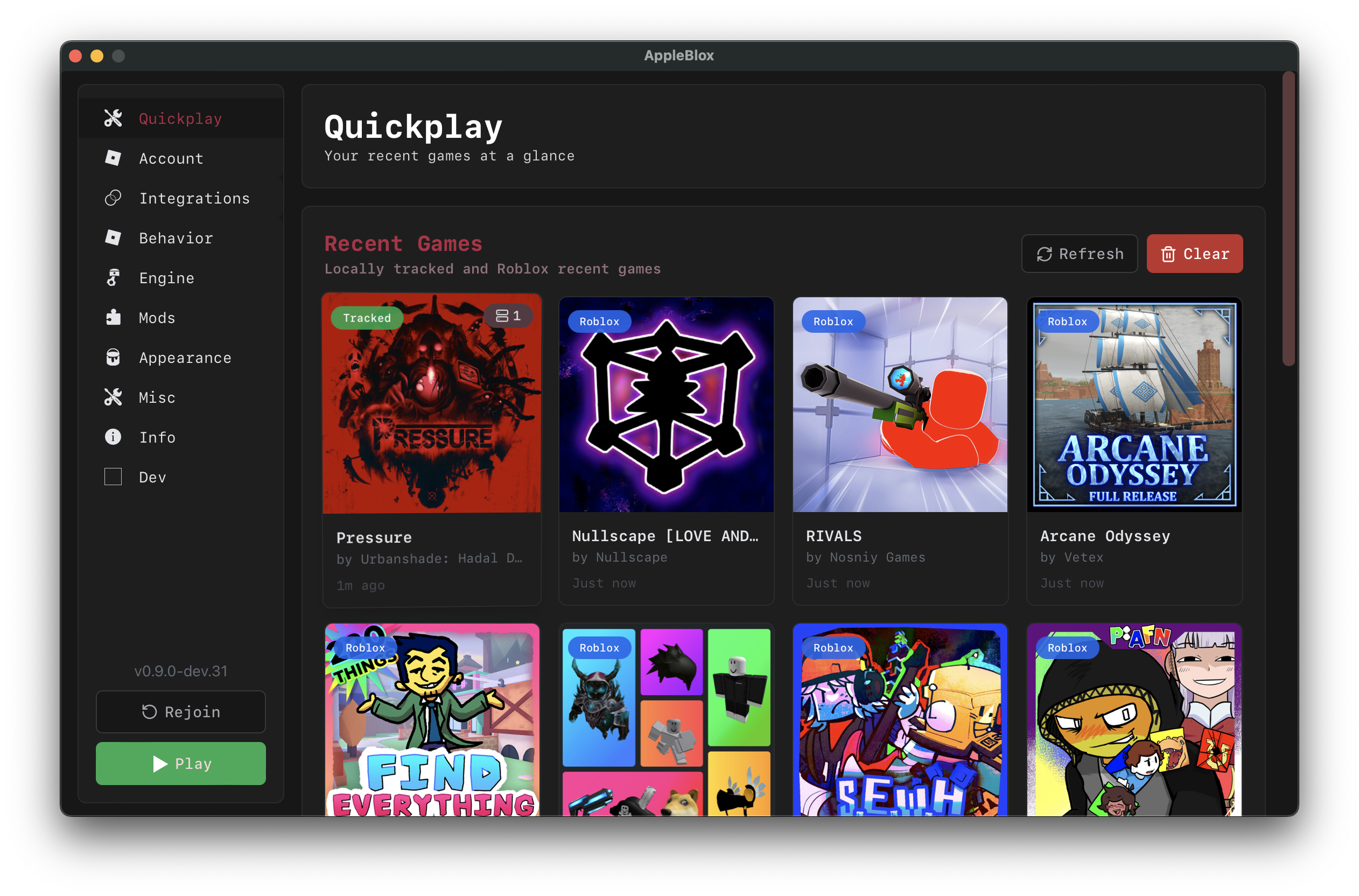
The sidebar is your main navigation. It stays on the left side of the window at all times.
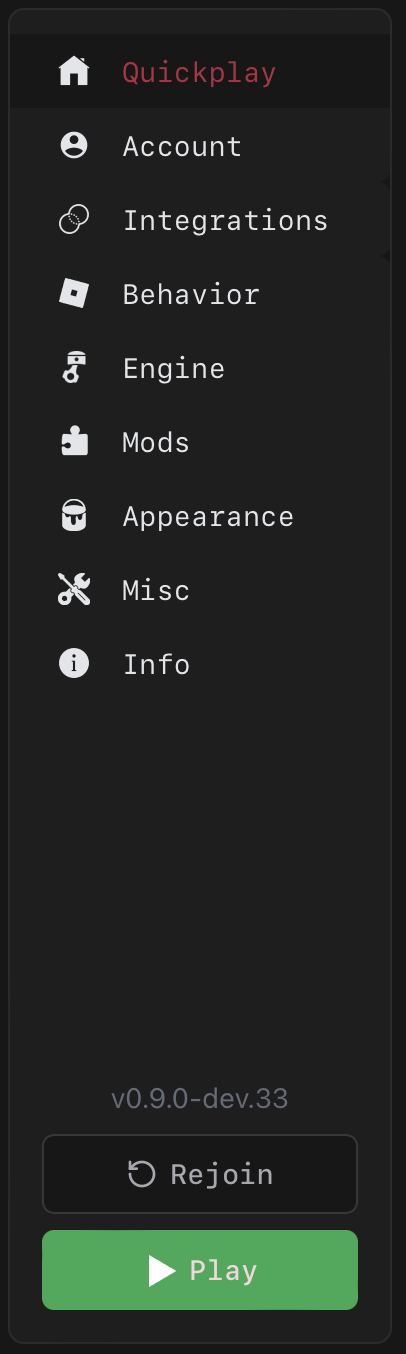
Pages:
| Page | Description |
|---|---|
| Quickplay | Recent games dashboard |
| Account | Roblox login and region settings |
| Integrations | Discord RPC, game history, Bloxstrap SDK |
| Behavior | Launch settings, Roblox path, multi-instance |
| Engine | Graphics and FastFlags |
| Mods | Mod manager and built-in mods |
| Appearance | Theme and app icon |
| Misc | Logs, export, reset |
| Info | Credits and acknowledgments |
At the bottom of the sidebar:
- Version number - Current AppleBlox version.
- Rejoin button - Quickly rejoin your last game/server (appears when you have a recent session and Roblox isn't running).
- Play button - Launches Roblox. Changes to Active (green) when Roblox is running, and hovering it shows Kill (red) to force-quit.