Appearance
Themes
The Appearance page lets you customize the look of the entire app by pasting CSS into a text box. Since AppleBlox uses shadcn-ui components, you can use any shadcn-ui theme generator to create a theme and paste the CSS directly.
You can also find pre-made themes shared by other users on the AppleBlox Discord server.
Bootstrapper Theme
AppleBlox supports Bloxstrap-compatible XAML themes for the loading screen that appears while Roblox launches.
Found under Appearance > Bootstrapper Theme.
- Import a
.xmltheme file from Bloxstrap or Fishstrap. - Multiple themes can be saved and switched between at any time.
- Themes scale automatically based on your screen resolution relative to a 1920×1080 reference.
TIP
The Bootstrapper Theme is separate from the app CSS theme — it only affects the loading window shown during Roblox launch.
App Icon
Customize the AppleBlox icon in your Dock. The app ships with several bundled icon designs, and you can upload your own .icns files.
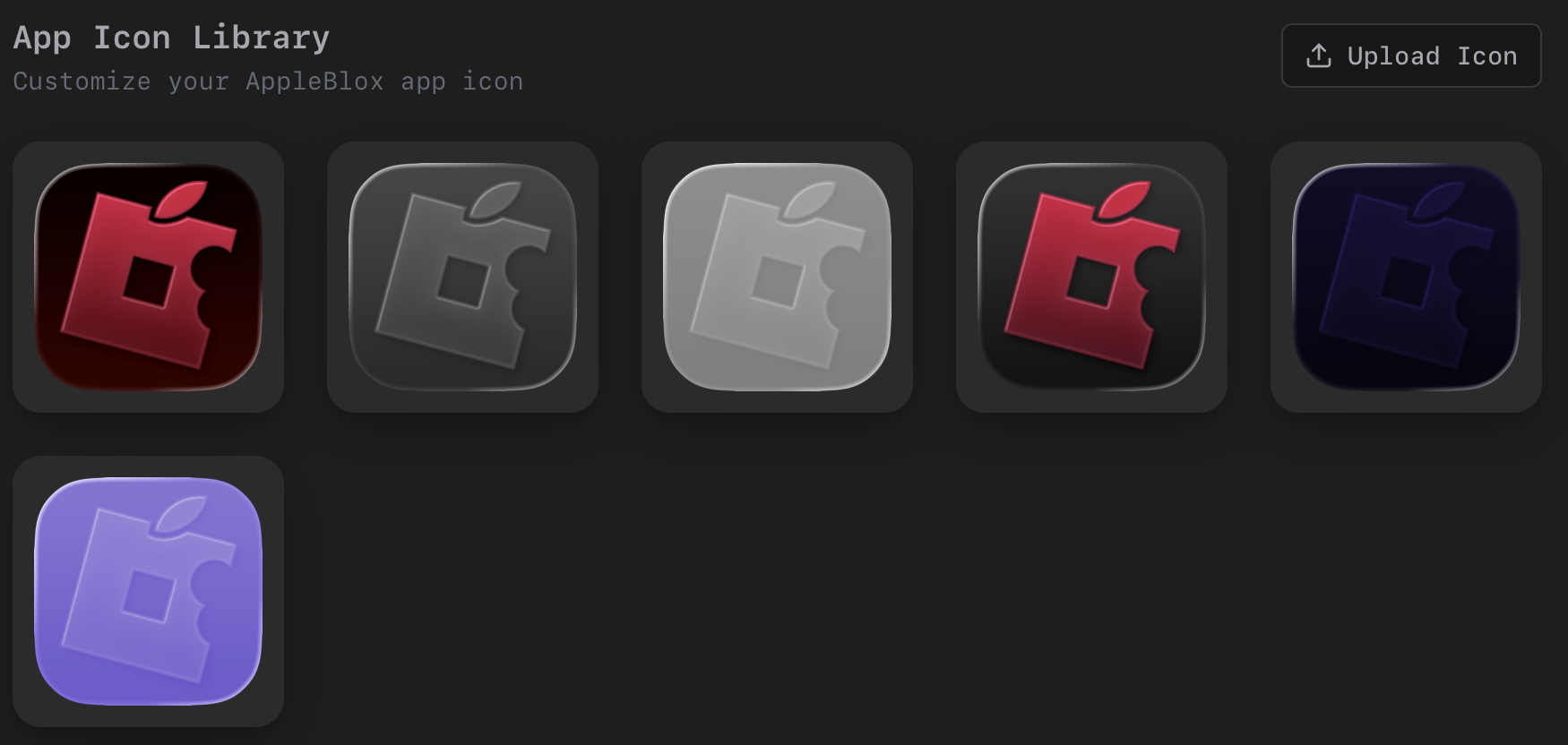
- Click an icon to apply it (a confirmation dialog appears).
- Upload custom icons with the Upload Icon button.
- The original icon is always backed up and can be restored.
- After applying, the Dock refreshes automatically.