
FastFlags
FastFlags (FFlags) are internal Roblox configuration values that control engine behavior. AppleBlox lets you set custom flags through the Engine page.
WARNING
Roblox now uses a whitelist for FastFlags. Many flags that used to work are silently ignored by the client. This is a Roblox-side restriction, not an AppleBlox bug.
Preset Settings
The Engine page offers visual controls for common flags:
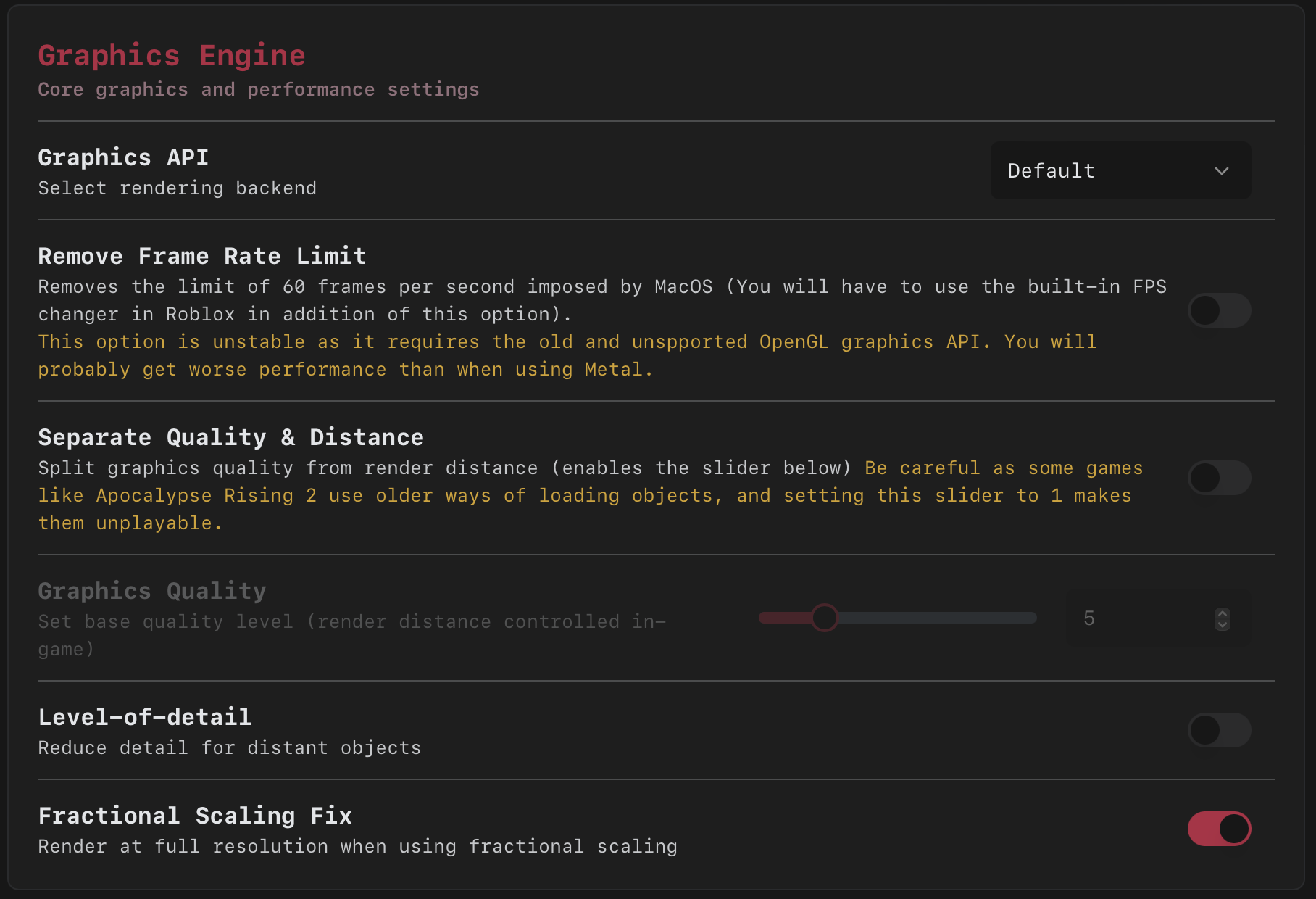
- Graphics API - OpenGL, Metal, or Vulkan
- Graphics Quality - Quality level slider (when enabled)
- Level of Detail - Toggle mesh LOD
- Fractional Scaling - Toggle fractional display scaling
- FPS Cap - Maximum framerate
Custom Flags
The flag editor gives you full control over any FastFlag:
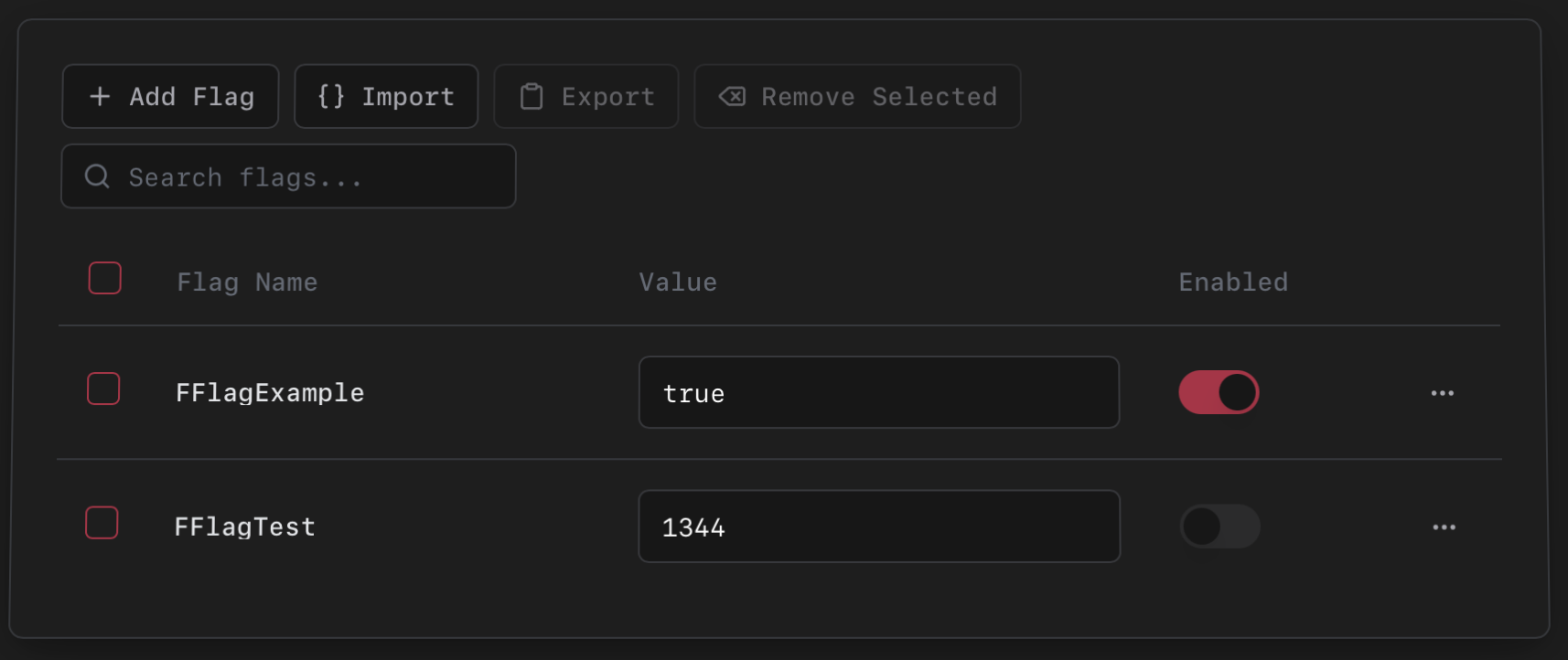
- Add flags manually by name and value.
- Import/Export as JSON, useful for sharing flag profiles.
- Enable or disable individual flags without removing them.
- Search and filter your flag list.
- Batch operations - Select multiple flags to enable, disable, or delete at once.
Import Format
json
{
    "FFlagExampleFlag": true,
    "DFIntAnotherFlag": 120
}Flags are written to Roblox's ClientAppSettings.json at launch.