Quickplay
The Quickplay page is your home screen, a grid of recent games you can launch with one click.
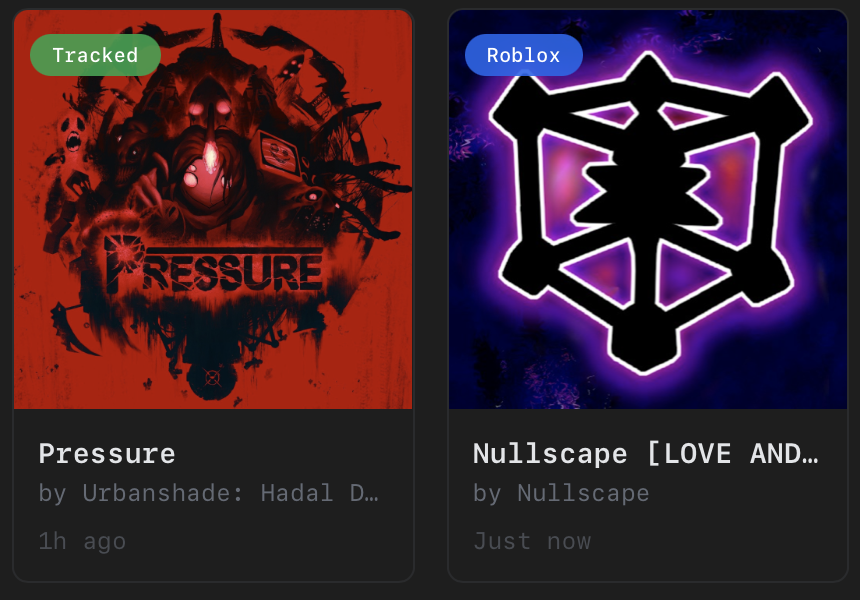
Games come from two sources:
- Tracked (green badge) - Games you've played through AppleBlox. These include saved server history so you can rejoin specific servers.
- Roblox (blue badge) - Your recent games pulled from the Roblox API. Requires an account connection.
Without an account connected, you'll only see tracked games and a banner suggesting you connect your account.
Actions
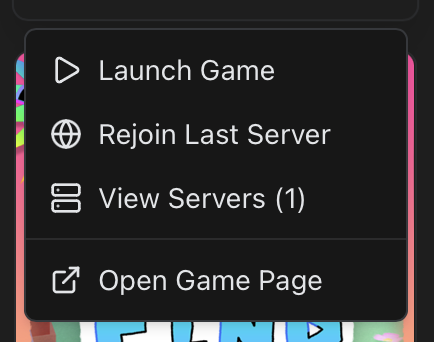
- Click a game to open a context menu with options: launch, rejoin last server, view saved servers, or open the game page in your browser.
- Refresh button re-fetches your recent games from the Roblox API.
- Clear button deletes your locally tracked game history.
Server List
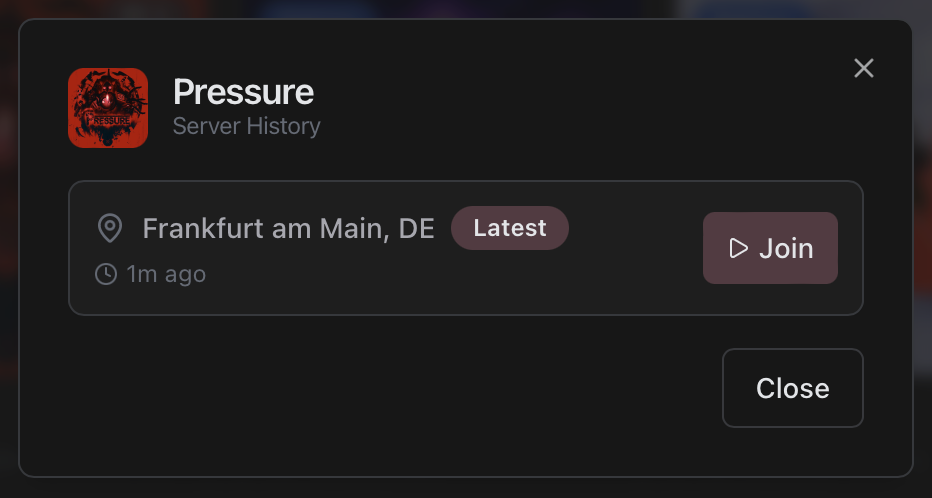
For tracked games, you can view all saved servers. Each entry shows the server location (city and country) and when you last joined. Click any server to rejoin it directly.